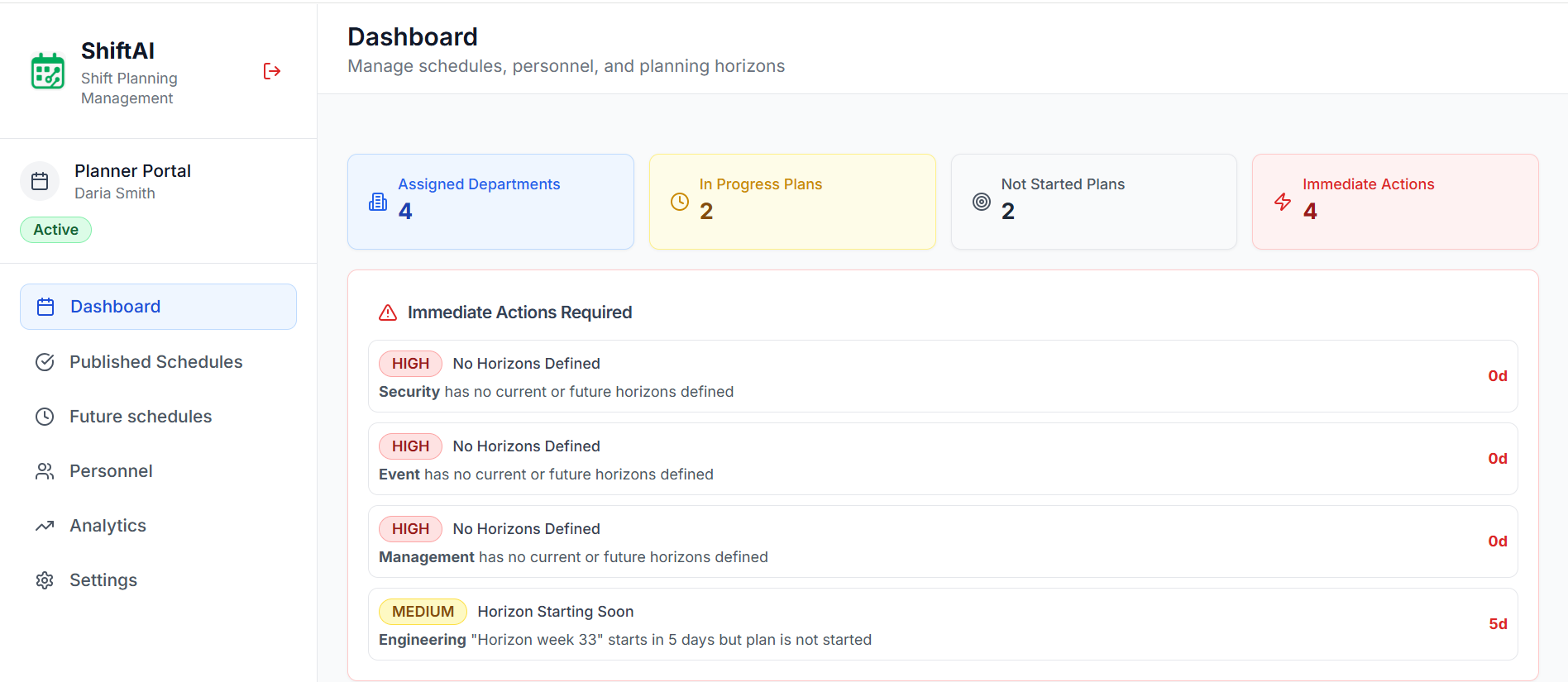
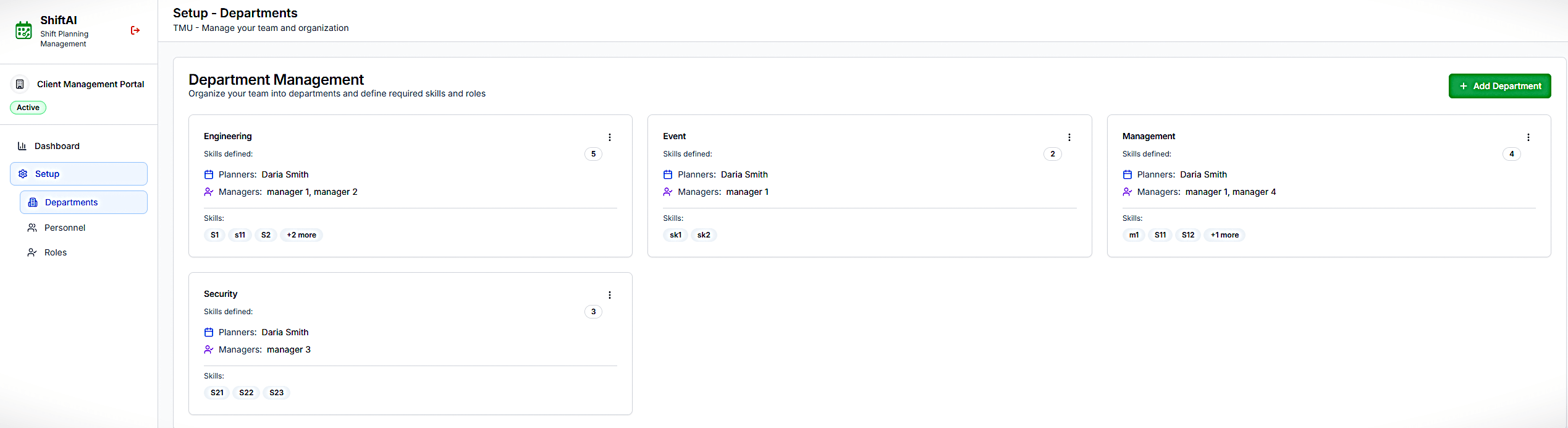
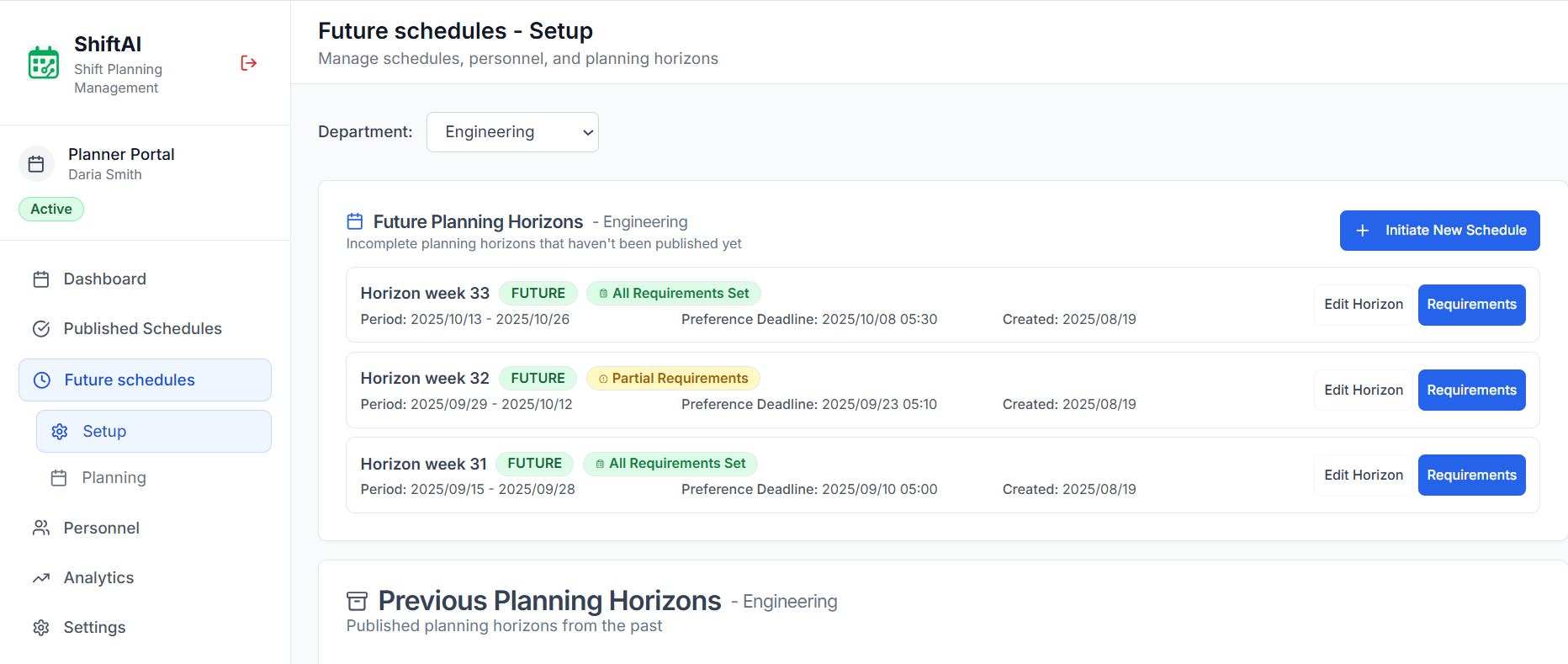
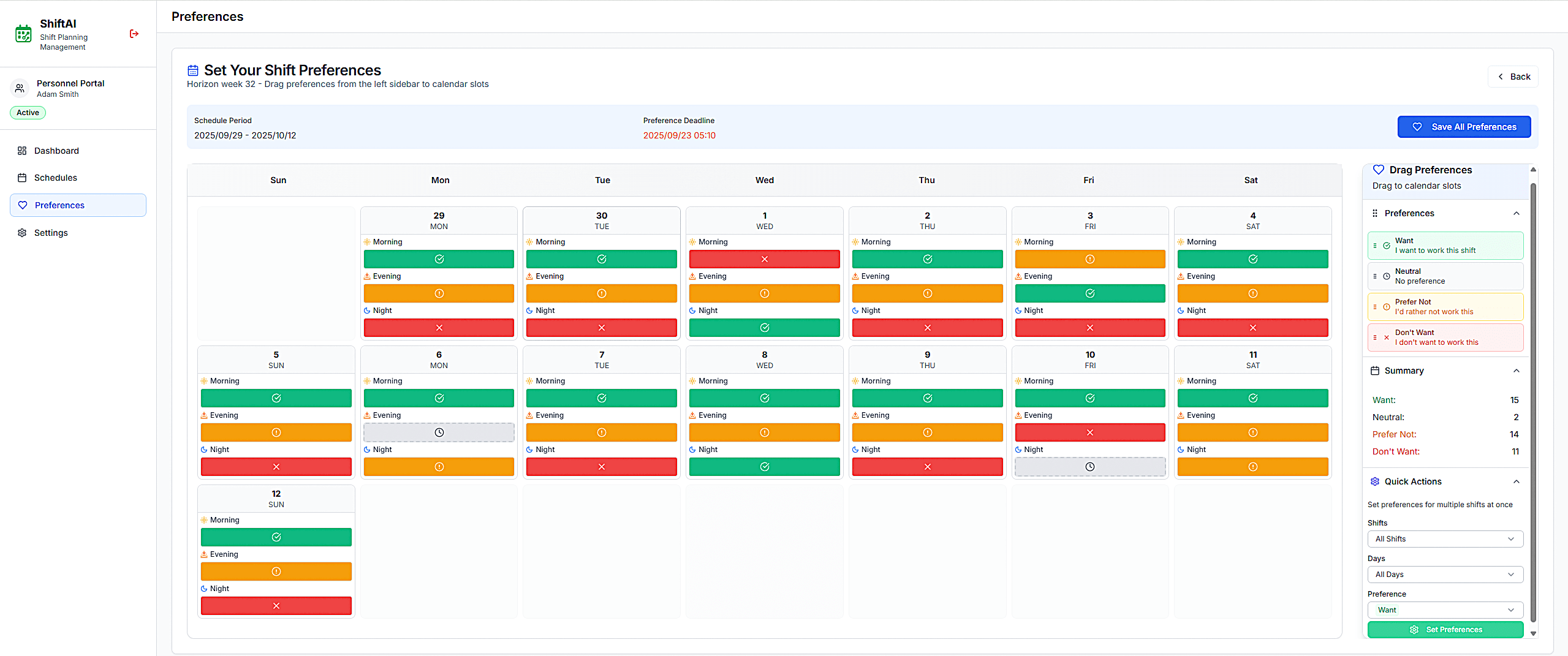
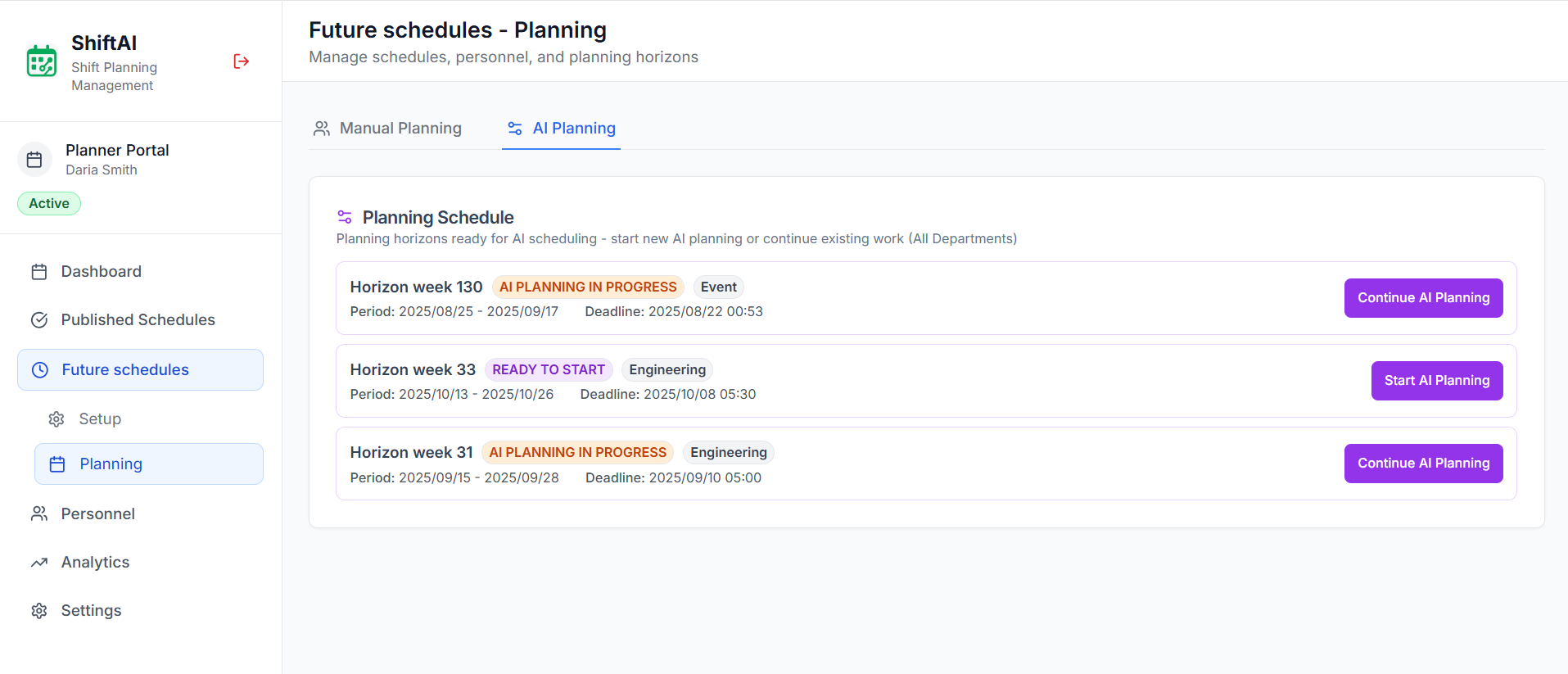
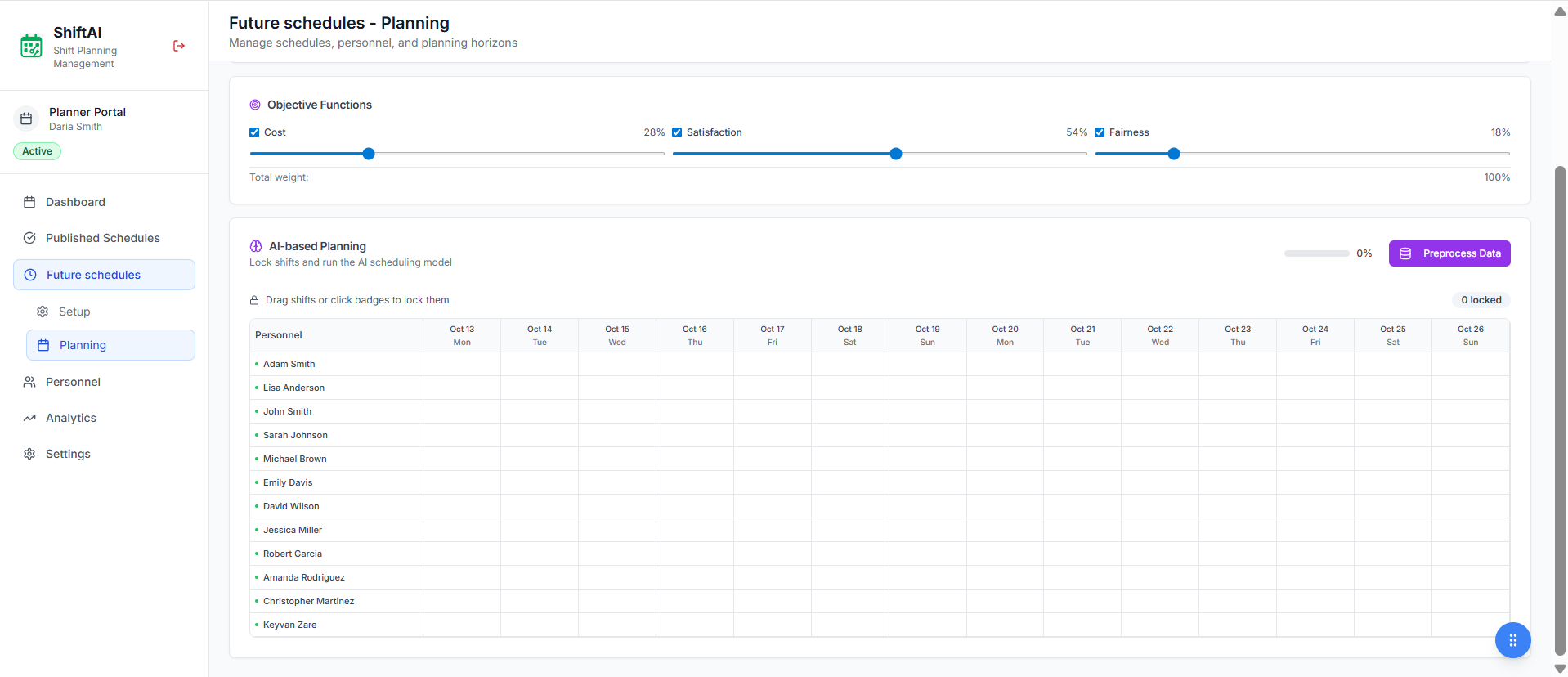
Invite the team, set demand and rules, run the optimizer, edit on the planning board, then publish. Attendance tracking and payroll are not part of this product.
Five steps from an empty horizon to a published roster
1. Invite your team
Create the organization, departments, and people. Assign skills and roles, then send invites so staff can open the app.
2. Set demand and rules
Pick the planning window and the coverage you need per shift. Encode rest, hours, skills, and other constraints. Staff submit preferences and time-off so the optimizer has something real to honor.
3. Optimize
Run the optimizer. It looks for a plan that meets coverage while respecting rules, skills, and preferences. Non-responses can stay Neutral so planning still moves.
4. Planner edits
Open the draft on the planning board. Drag-and-drop assignments; conflicts and coverage issues are flagged before you publish.
5. Publish
Publish when the roster is right. Staff see the live schedule in the app. When demand changes, adjust rules and run it again.